Billing & payments
Design studio and labels
Design invoices, prescriptions, certificates, payslips and labels.
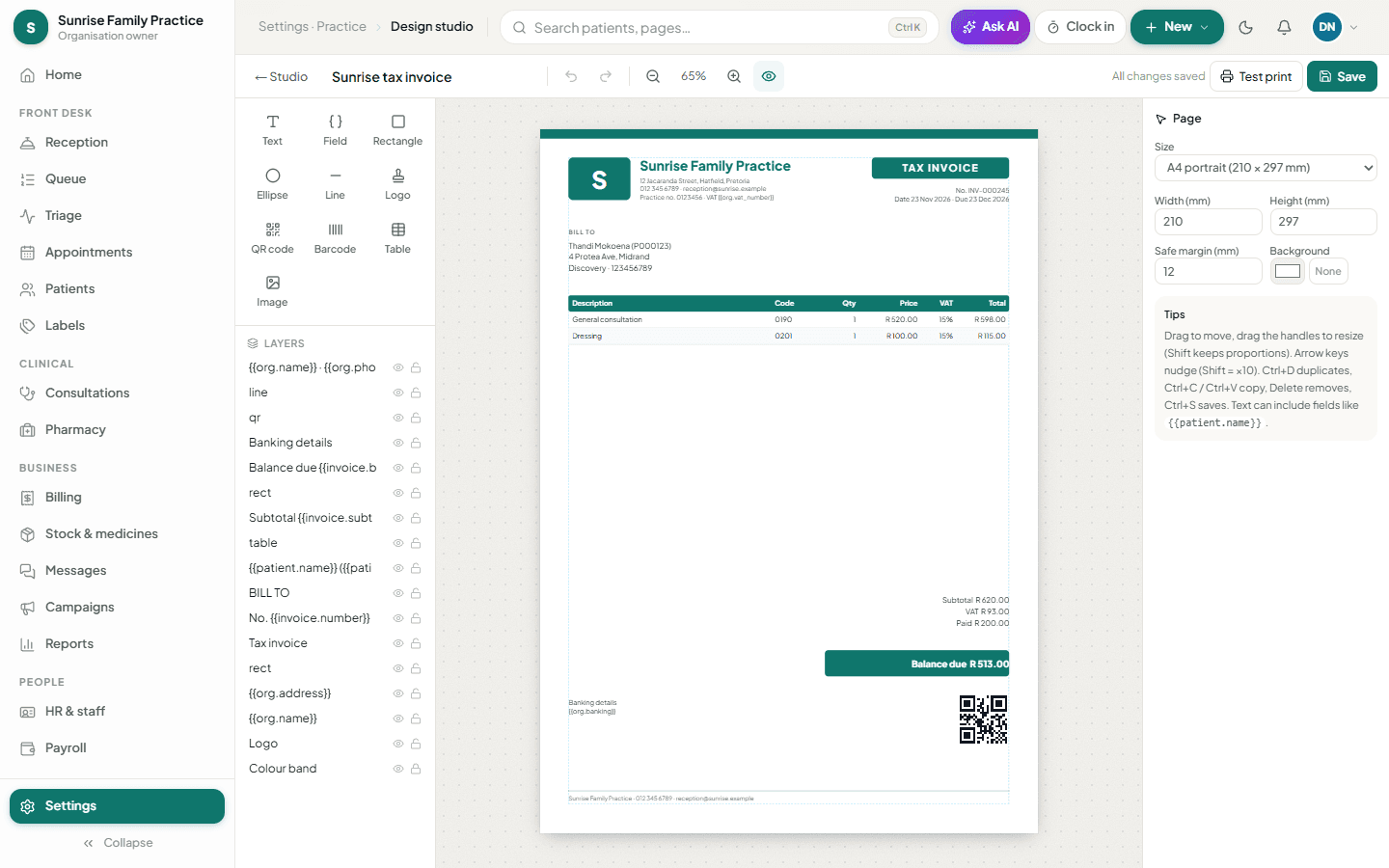
Designing
Settings → Design studio → New design. Drag, resize and style text, fields (like {{patient.name}}), shapes, images, your logo, QR codes, barcodes and tables. Set a design as the default to use it whenever that document prints.
Labels
Labels prints patient, medication, specimen and address labels on any label printer (e.g. 62 × 29 mm), one label per page.
Still stuck? Contact support